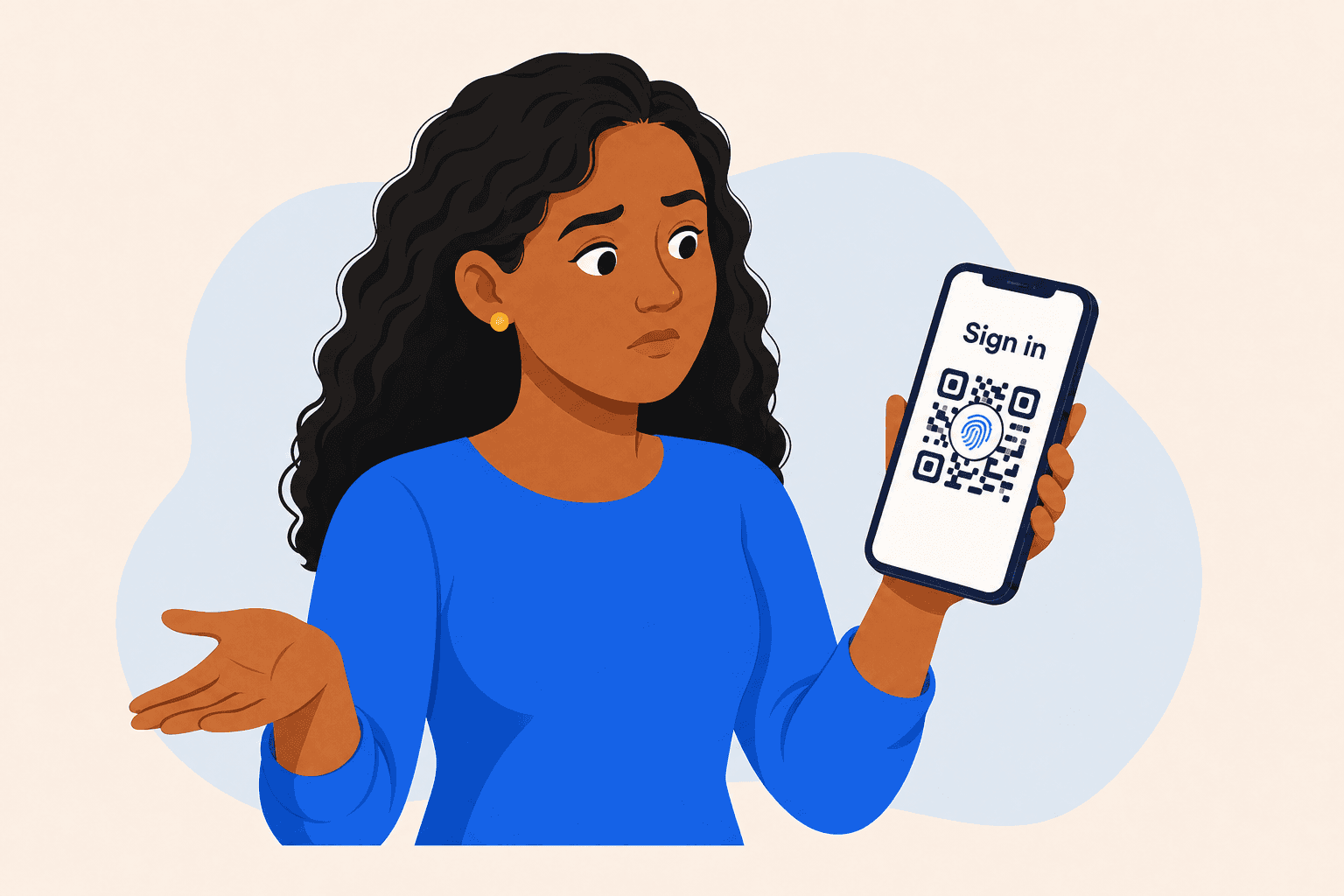
Passkeys should be simple. Choose one, confirm with your face or fingerprint, and you’re in.
My guess is that you’ve had mixed experience with passkey logins too. I think my favourite fail is being presented with a QR code when I’m trying to login on my phone! On some services a passkey login is just a tap, look at the camera, done. On others it can feel like an elaborate maze.
Associated Press technology reporter Kelvin Chan found much the same thing when he set up passkeys across several major services. He encountered confusing prompts, browser limitations, and was asked for extra authentication even after the passkey had already been accepted.
That was 2024. Two years on, Corbado’s 2026 benchmark of passkey sign-ins finds the same pattern still showing up - sometimes a smooth experience, but often a crazy multi-step detour.
Five billion passkeys and counting
The FIDO Alliance estimates that more than five billion passkeys are now in active use worldwide.
Its State of Passkeys 2026 report, based on a survey of 11,000 consumers across ten countries, found that 90% of people are aware of passkeys and 75% have enabled one for at least one account. Nearly half say they use them whenever possible or most of the time.
Among larger organisations surveyed separately, 68% were deploying, piloting or already using passkeys for workforce sign-in.
There have been two significant launches this July alone. Visa introduced Payment Passkey in India, bringing biometric confirmation into online checkout. Singapore began adding passkeys to Singpass, its national digital identity service, as part of its response to phishing scams that caused S$39.9 million in reported losses during 2025.
Closer to home, Auckland-founded Authsignal has helped Air New Zealand introduce passkeys, while Trade Me now offers them to its members.
The direction is clear. Passkeys are moving from an optional experiment into payments, travel, marketplaces and national identity.
What passkeys actually fix
Passkeys remove the need to remember passwords at all. There’s no typing one out on a phone keyboard, and no risk of people reusing the same one everywhere because unique passwords are impossible to remember. A face or fingerprint now does the job more quickly, and with nothing to forget.
Until now, the most practical fix has been a password manager. Depending on the device, that can mean another service to set up, another account to trust and another master password to remember. Passkeys remove the password itself. They still need a secure place to live, but on modern devices that is usually a credential manager people already have, unlocked with the same face, fingerprint or PIN they already use.
That convenience is a security win as well, against a genuinely large problem: Netsafe estimates scams cost New Zealanders close to NZ$3 billion over the previous year.
Passkeys can make a real difference here. They remove one of the scammer’s most useful tools - a password that can be stolen, guessed, reused, or typed into a convincing fake login page.
A passkey is tied to the legitimate website or app it was created for. A fake login page cannot simply collect it and replay it somewhere else. That makes passkeys particularly effective against phishing and account takeover.
But the security advantage only becomes useful if people can create, find and use their passkeys without getting lost.
The standard is only part of the experience
A passkey journey can change depending on the device, operating system, browser and credential manager involved. It also changes depending on whether the person is using a familiar device or signing in somewhere new.
Corbado’s 2026 benchmark found that some passkey journeys remain difficult, particularly when someone signs in on an unfamiliar computer and their passkey is stored elsewhere. In the examples it measured, many users had to scan a QR code with another device to finish signing in.
Where is the passkey stored? Which credential manager should open? What happens when the person changes phones? Can they understand why a QR code has appeared? If the passkey is unavailable, does recovery feel safe and intentional, or does the app send them back to a password?
Some of the prompts come from the operating system or browser, but the app still controls when passkeys are introduced, how they are explained and what happens around them.
What a good implementation can achieve
When the whole journey is handled well, the results are strong.
The FIDO Alliance Passkey Index, which aggregates data from companies including Amazon, Google, Microsoft, PayPal, Target and TikTok, reports a 93% passkey sign-in success rate compared with 63% for other methods.
Passkey authentication took an average of 8.5 seconds, compared with 31.2 seconds for other methods. Participating organisations also reported 81% fewer login-related help desk incidents.
KAYAK reported that passkeys cut its average sign-up and sign-in time by half. Around two-thirds of new users given the choice selected a passkey.
Together these examples show the range between a carefully integrated experience and one that still leaves the customer to find their way through a confusing maze.
Adding the button is the easy part
A good passkey rollout needs to account for the situations people actually encounter.
That includes someone using a recognised device, someone signing in on a borrowed computer, someone with more than one credential manager, and someone who has replaced or lost their phone. It also includes people who do not know what a passkey is and may be understandably cautious about creating one.
How passkeys are explained, when they’re offered, and what happens if recovery is needed all need testing on the browsers, devices and operating systems customers actually use, including the awkward combinations.
Five billion passkeys is evidence that the technology has arrived, but in many cases the user experience is still playing catch up. The apps getting real value from passkeys are not simply the ones that have added the option. They are the ones that have made the secure path the easiest path.
If you’re considering passkeys, or trying to understand why an existing rollout is not delivering the results you expected, then we’d love to hear from you.
Let's create something wonderful, together