Apple’s iOS 27 public beta is now available, and the headline feature is Siri AI. Siri has been rebuilt, and it can now hold a conversation, understand relevant content on screen, and coordinate actions across apps. Apple’s demos show it combining personal context, on-screen information, and actions from participating apps to complete multi-step tasks.
But what can Siri AI actually do inside your app? For many apps, right now, the answer is not much more than open it.
Apps without an intent layer will continue working exactly as they do today. But as more journeys begin with a request to an assistant rather than a tap on an icon, those apps risk being left out altogether.
Your app needs an intent layer
Siri AI doesn’t know what an app can do unless the app tells it. Apps have to expose what they can do through App Intents. This involves modelling your content as App Entities, making it discoverable through Spotlight, telling Siri what “this” means when someone points at something on screen, and using Apple’s new App Schemas where one already exists for the task. Without this, Siri can see what’s on screen but not what it means. It can open the app, but it can’t reliably resolve what “this” refers to, or complete anything inside it.
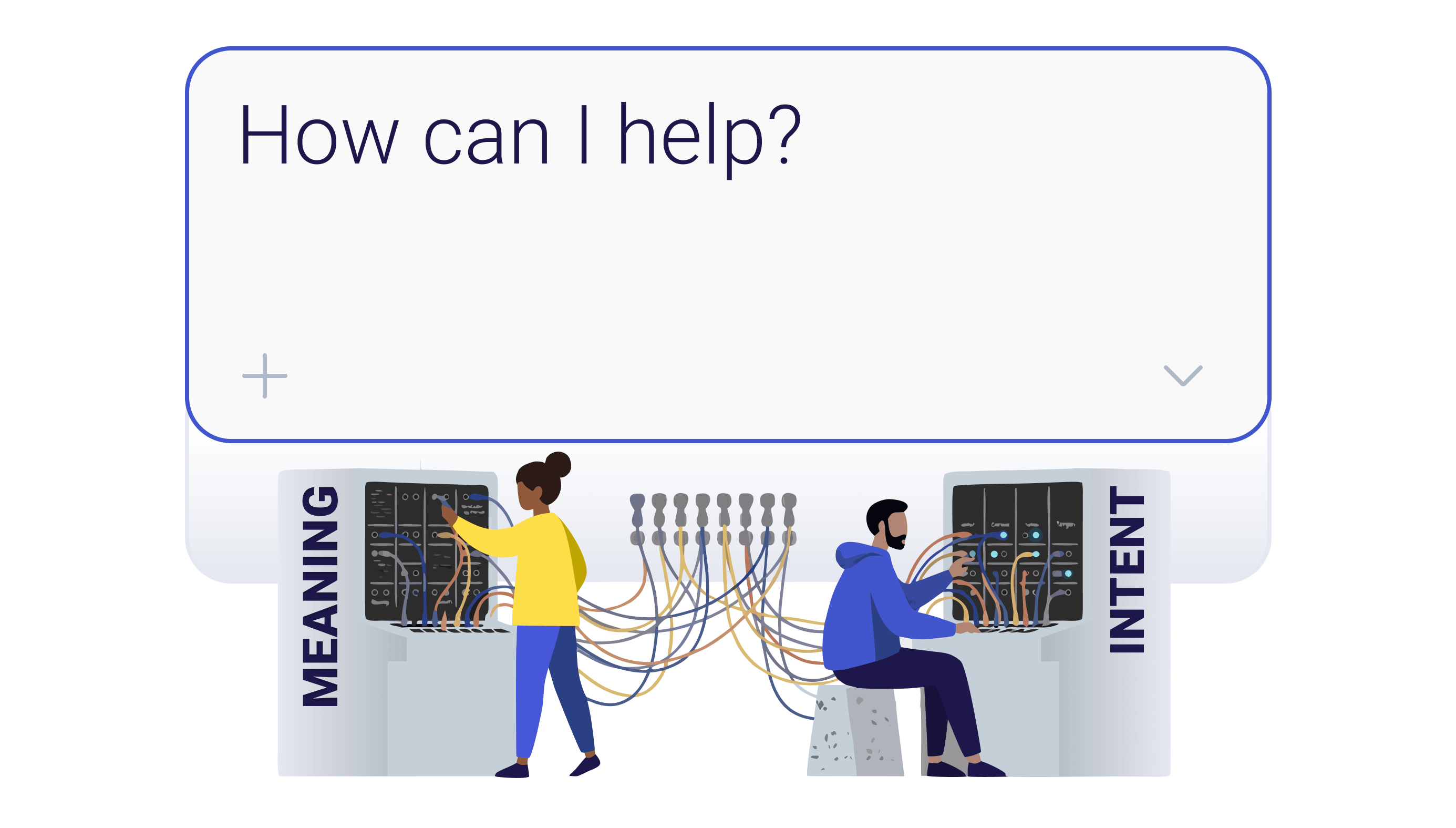
If your app exposes a well-modelled action such as “check my balance”, Siri can match a person’s request to it and invoke it. That depends on the right metadata, the right parameters, and testing against how people actually phrase things.
So being Siri-actionable takes real design and engineering time. Someone has to decide which tasks to expose, model them properly, and work out what happens when a request is ambiguous or incomplete. The beta demos just skip over all of that and make it look automatic.
Which tasks are actually worth it?
At this stage, many tasks aren’t worth making Siri-actionable. The best plan is to focus first on tasks that are easy to express and confirm conversationally, and valuable enough to remove several interface steps. They should either be low-risk or have a clear confirmation and authentication step. Workflows involving documents, complex eligibility decisions, payment or legal consent will often be better completed in the app’s authenticated interface. Reporting a burst water pipe is a good example - describe the problem, confirm the location, done (no form to fill out). Renewing a permit, or applying for something, is a harder one. It may involve eligibility checks, documents, payment, and legal consent. In these cases Siri might still gather the basics but then hand the person into the right authenticated screen.
For public-sector services, accessibility is one of the strongest reasons to explore this. Conversational task completion, spoken or typed, can reduce barriers for people who find small touch targets, dense forms, or navigation difficult. But voice isn’t accessible or appropriate for everyone: speech impairments, noisy environments, language support, cognitive load, and privacy are all important considerations. This sits alongside accessible screens and existing support channels. It should never become the only route into a service.
Reach, security and data governance
It’s worth remembering that many of your users won’t be able to access this yet. Siri AI requires an iPhone 15 Pro or Pro Max, or an iPhone 16 or later, which excludes anyone on an older or non-Pro device. So an intent layer needs to sit on top of the screens people already use. It is best to design it on the assumption some people won’t see it for a while.
There’s also the question of what should be exposed this way. An App Intent is a new route into a workflow, including from a locked screen. Apple gives developers three authentication policies for each intent. The default, alwaysAllowed, permits an intent to run without system authentication, including while the device is locked. Developers can instead require authentication or require the local device to be unlocked. Those controls are only one layer.The app must still enforce its own session, identity, authorisation and consent requirements, because Siri’s ability to invoke an action does not establish that the person is entitled to complete it.
That’s also the reassuring flip side for teams who haven’t touched any of this yet. Siri can’t invoke app-specific actions that your app hasn’t exposed, so an app with no relevant App Intents has no newly exposed workflows for Siri to execute incorrectly. Nothing above is urgent until you build the first one.
Underneath all of it sits data governance. You need to know what your app contributes to the system, what Siri includes in a request, where each part is processed, what’s logged or retained, and whether a third party is involved. For health and government data especially, you can’t just assume it all stays on the device.
Android is moving the same way
None of this is Apple-only, either. Google is developing AppFunctions, a framework that lets apps expose structured actions to agents such as Gemini. Its Gemini integration is still in private preview, and AppFunctions itself remains experimental, but the direction is clear.
What to do next
Start by picking the two or three tasks your users do most often and could safely complete through an assistant, and working out what it takes to expose just those well.
If you’d like a hand working out which of your tasks are worth making Siri-actionable and which to keep on the screen (for now at least!), just get in touch.
Let's create something powerful, together